Hey everyone! It’s Lana here 💖
I received several messages saying that the download of The Sims 4 from the previous link wasn’t working. I tested it myself and really couldn’t download it at all, even trying different methods.
So as not to leave anyone hanging, I decided to share the alternative links I have here with you:
🌐 OFFICIAL Site
If anyone is still having trouble, let me know and I’ll try to help as much as I can. Thank you for letting me know and for your patience 🫶
📥 How to download and install The Sims 4 officially
Download the EA App from the official EA website.
Log in to your account.
Search for The Sims 4.
Click Download.
Choose the installation folder (it’s recommended to keep the default).
Open the game through the EA App for the first time.
💡 The base game is free — only the expansions are paid.
📁 After downloading the original The Sims from EA Games, you will go to the link at the bottom of the Google Drive page and download the two folders.
📥 Unlocking the DLC Unlocker
After downloading both folders, open the EA DLC Unlocker v2 folder.
Open the SETUP file.

Run the File
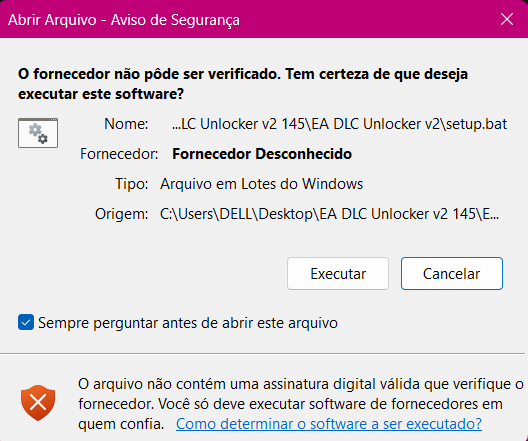
This file will open. TYPE 1 to install the EA DLC Unlocker.
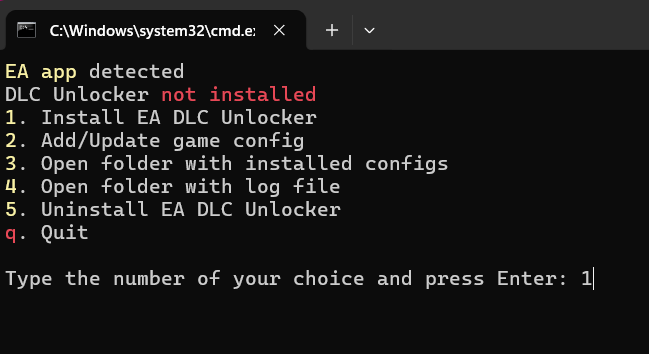
Run the file again, and when it opens again, TYPE 2 to add the configuration.
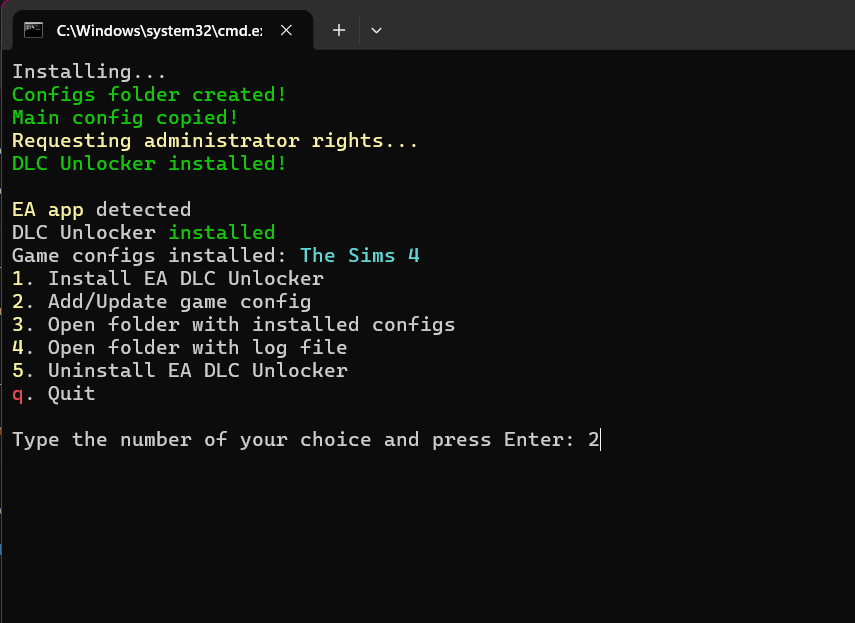
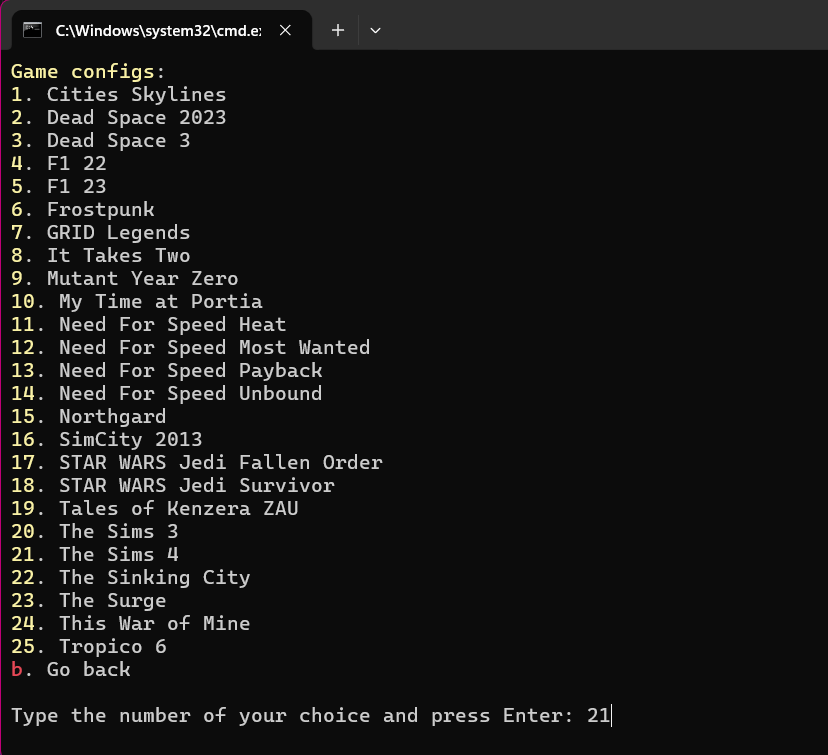
Now TYPE 21 to install the settings for The Sims 4.
📥 Installing the Sims Updater
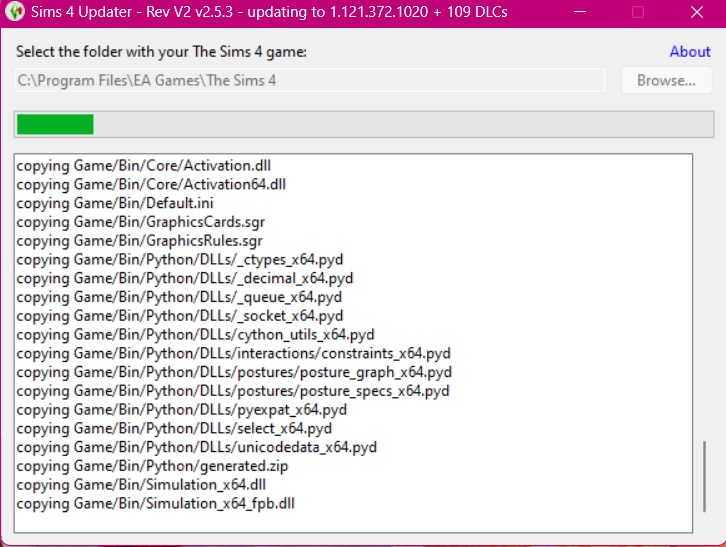
Your game is now ready to receive the DLCs. Now open the Sims 4 Updater Latest folder and open the Sims 4 Updater v2.4.12 application.
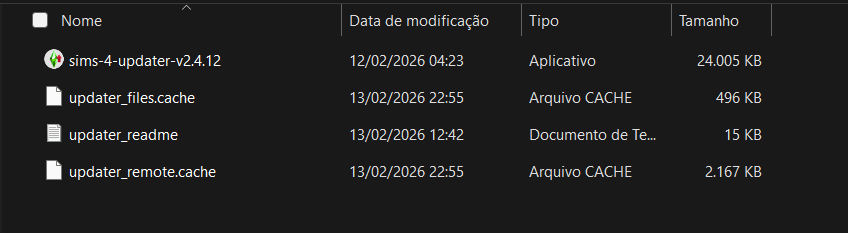
press ok
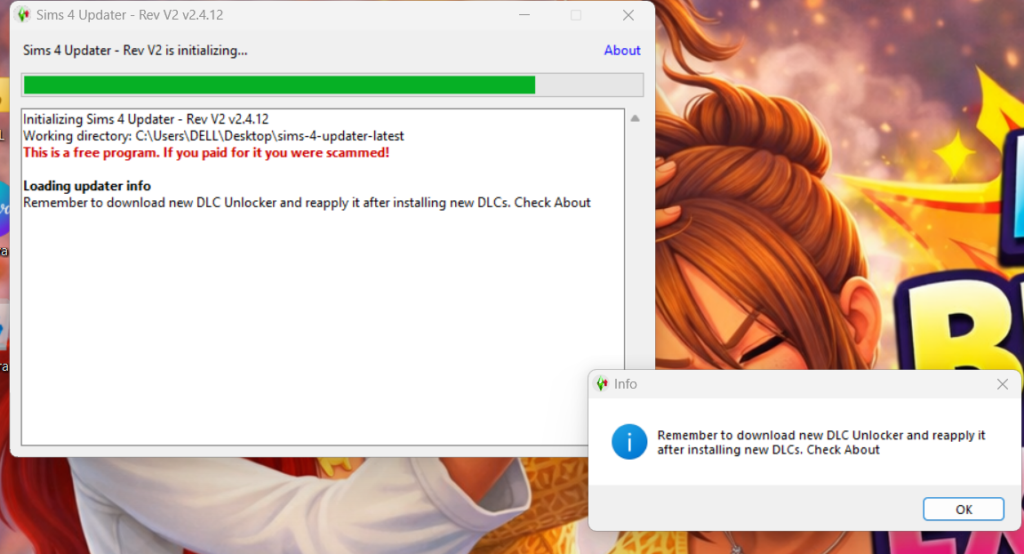
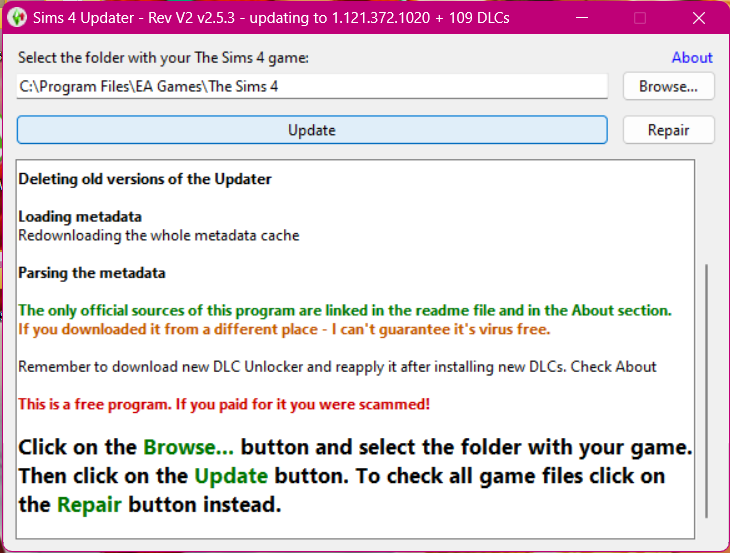
After it loads, press UPDATE.
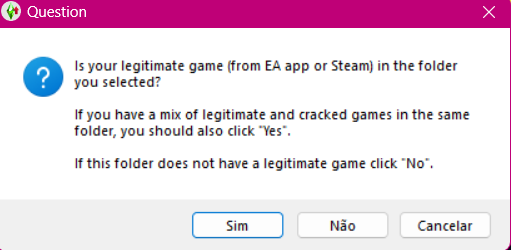
Then click YES. Remember, this method is for those who downloaded the original game; I’ll show you how above.
Select the DLCs you want for your game.
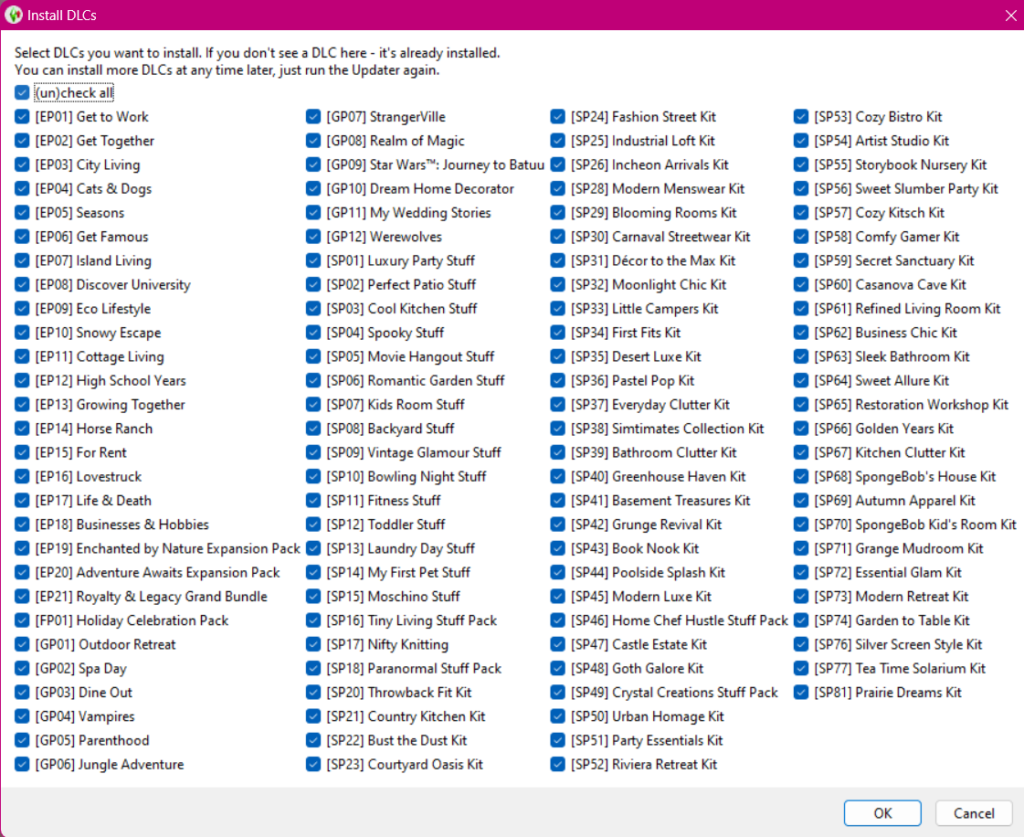
Download the game, and then you can play with all the expansions!
🔗 Links
📁 Download With My Google Drive
🔗 Extra Resources
If you’re new to The Sims 4 mods, we recommend consulting the following guides to make installation and use easier:
- 📥 Beginner’s Guide — How to Download and Install Mods
- 💾 Learn How to Use Save Files — How to Add Save Files to The Sims